End-to-end encrypted messaging

Talk freely.
No phone number.

Dialog is a messenger for messages, calls and files where nobody but you and the person you talk to can read what you say. Not even us. You need no phone number or email to create an account.

Windows · macOS · Linux · Android · iPhone

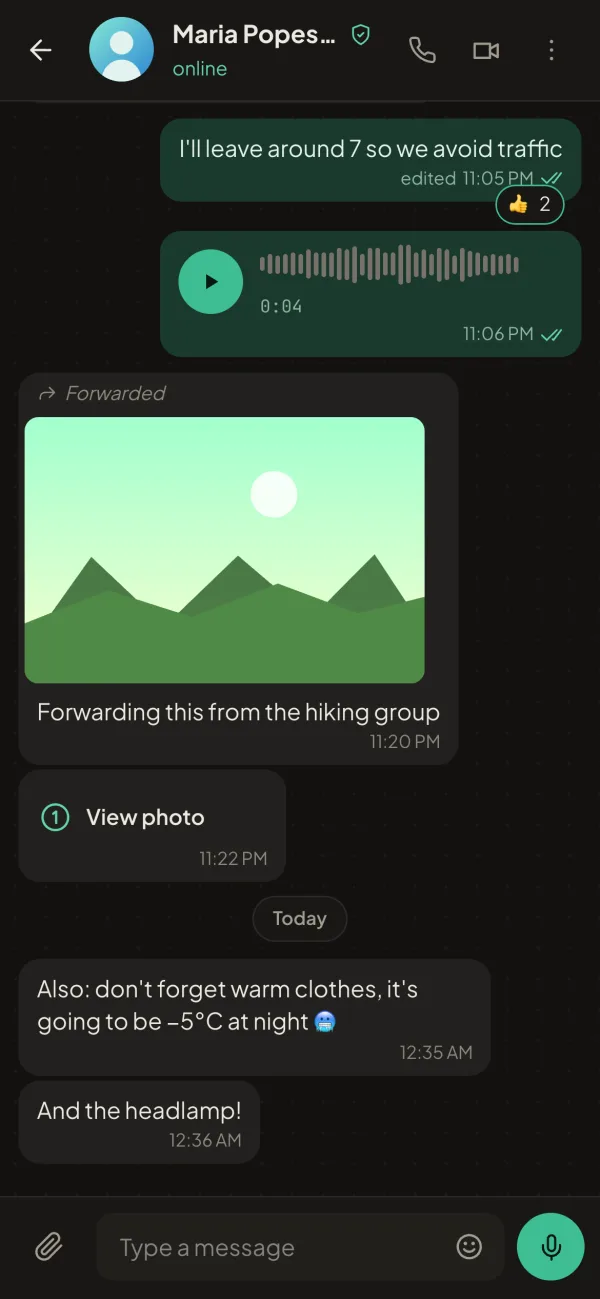
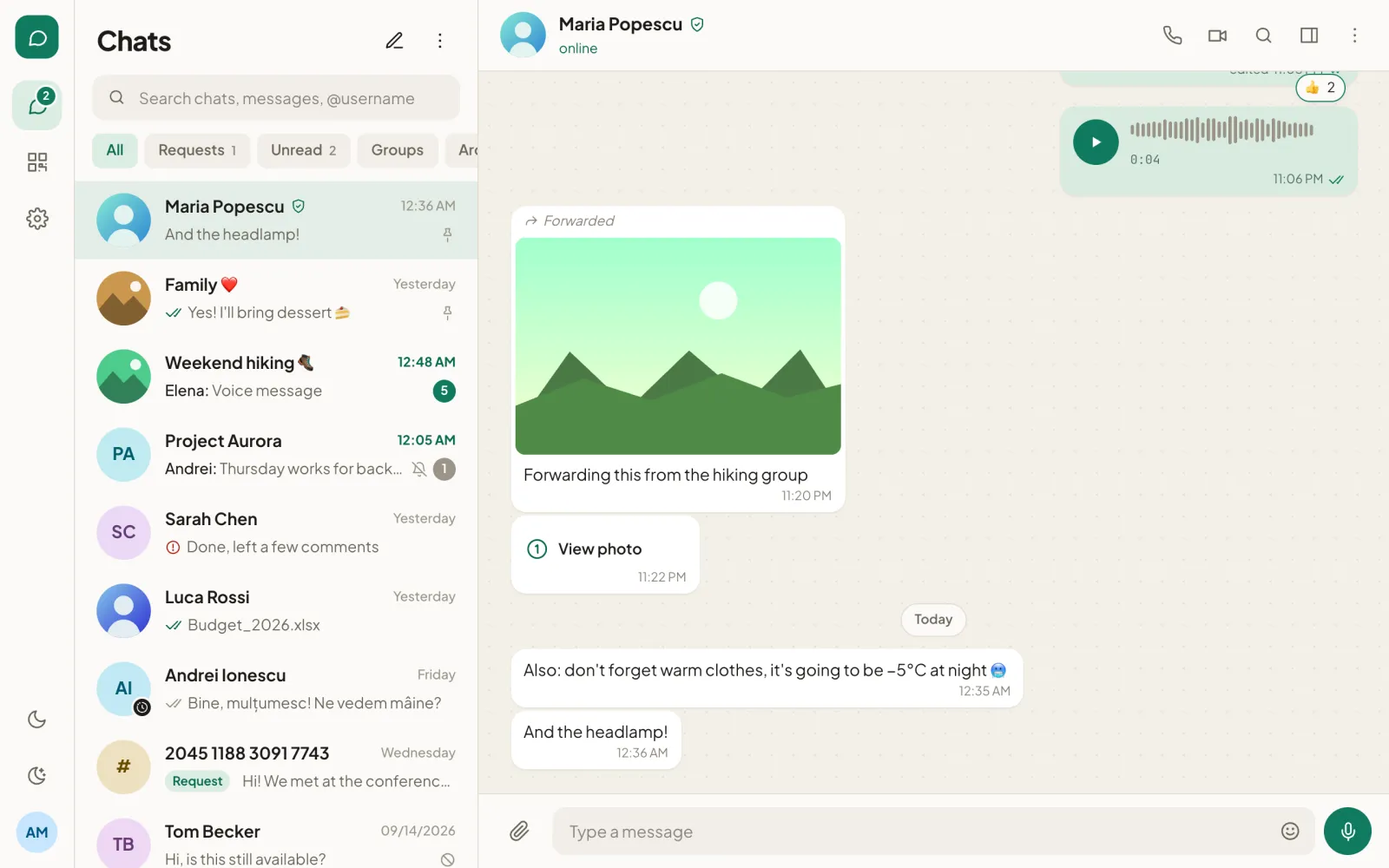
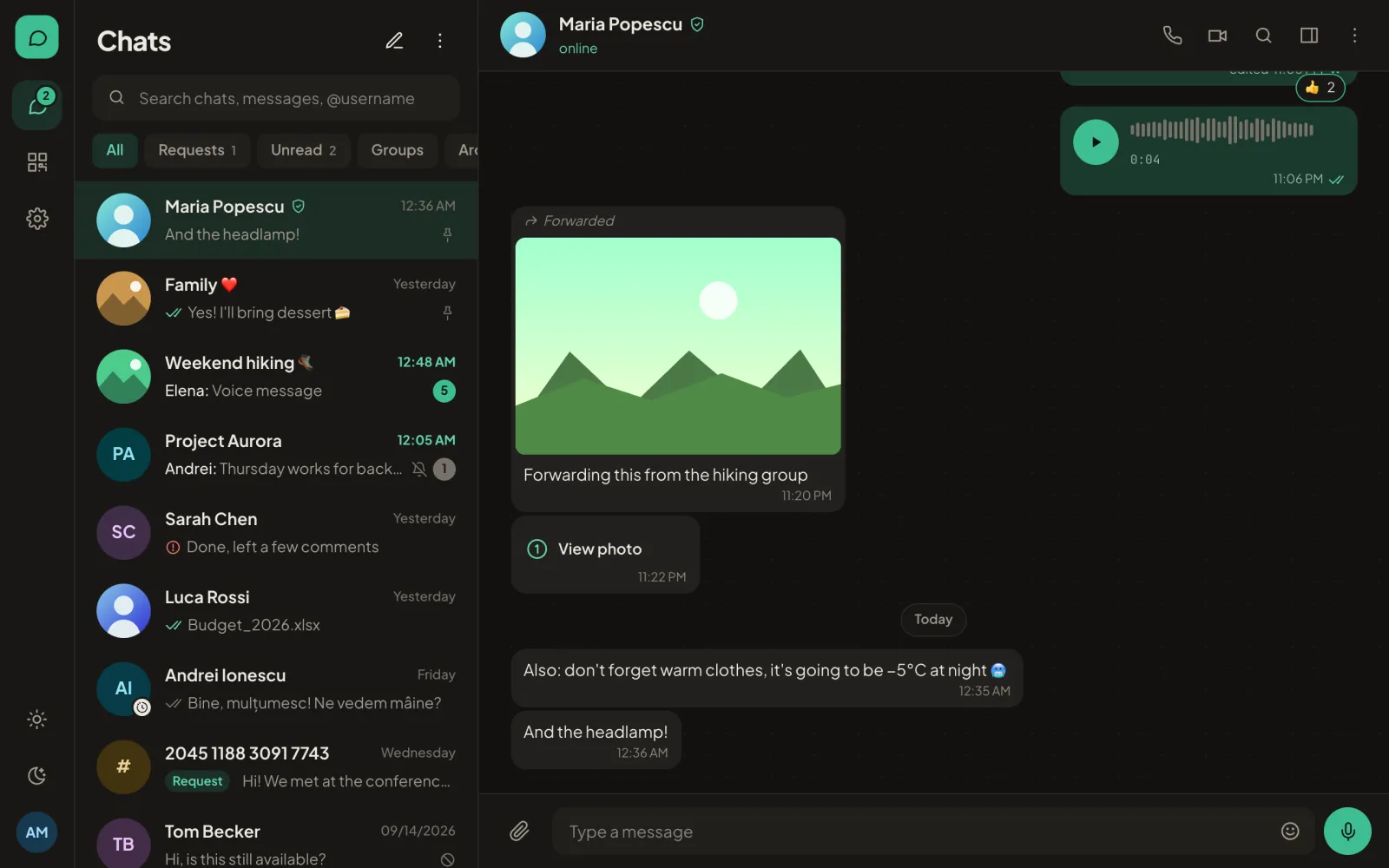
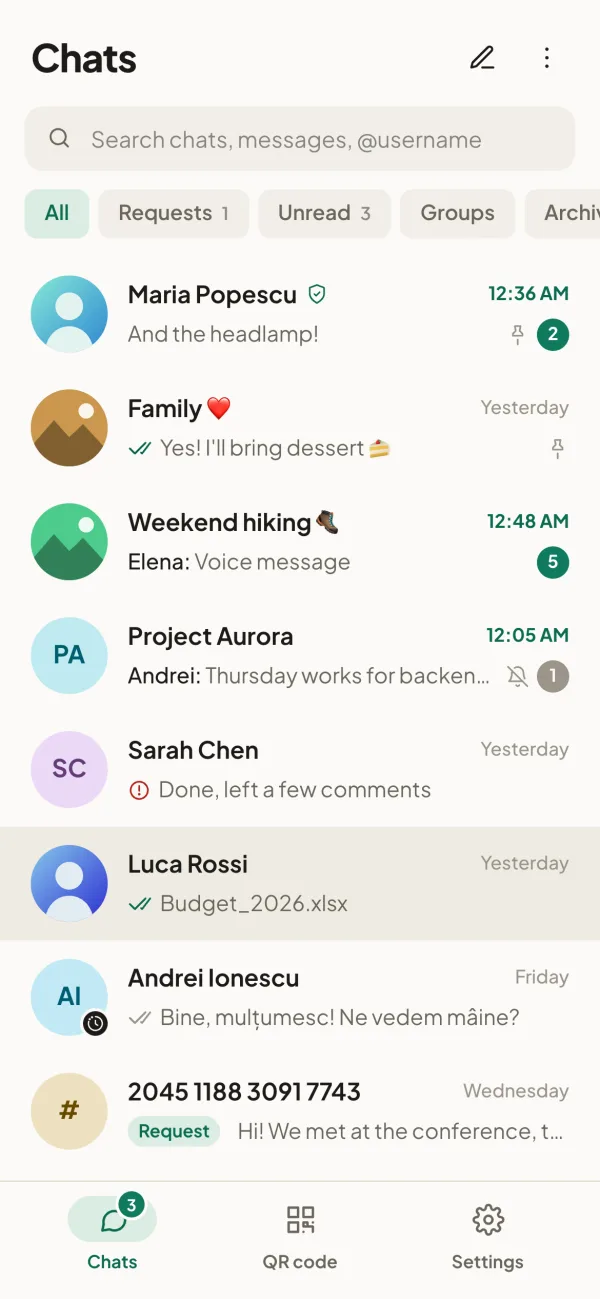
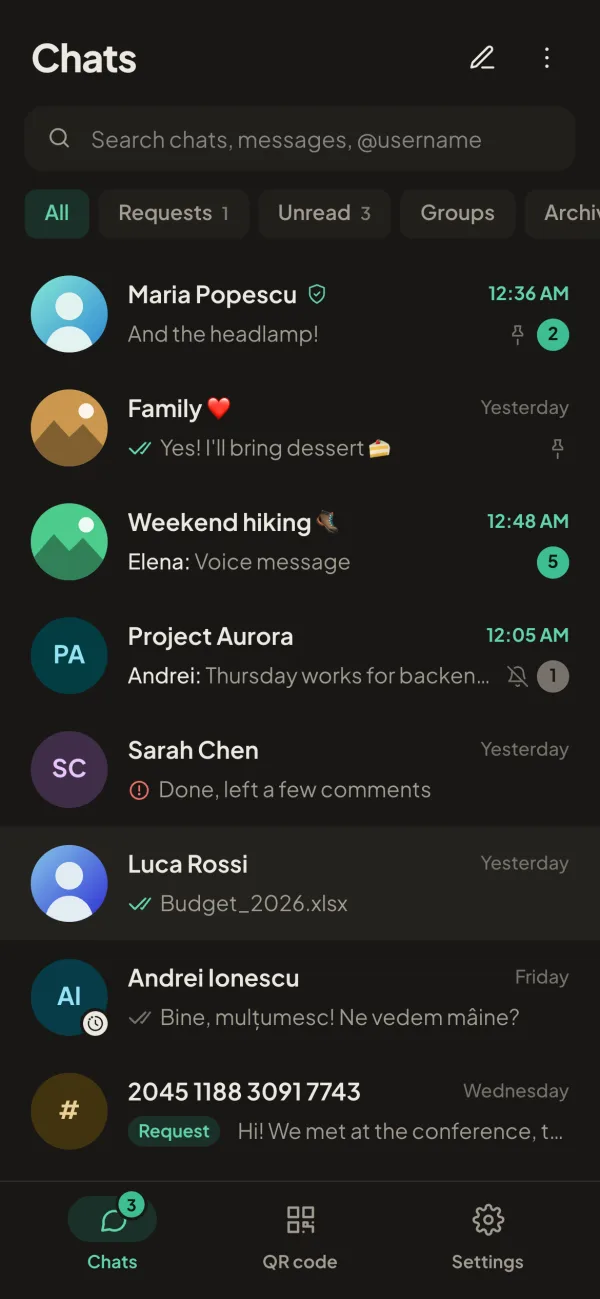
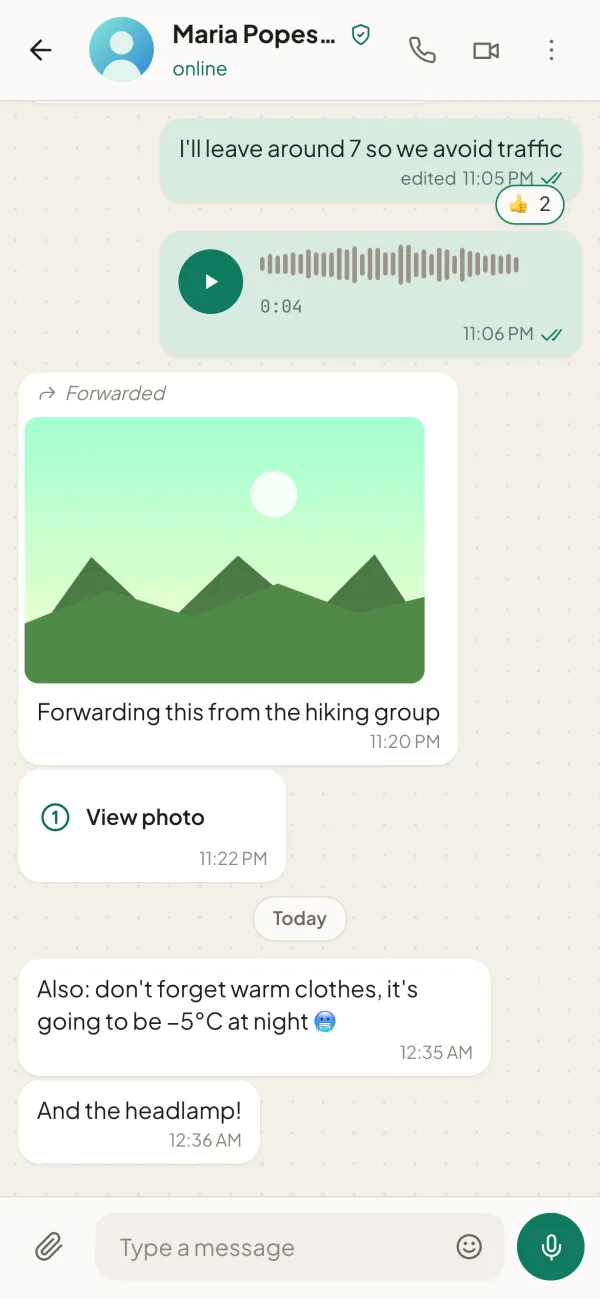
Dialog on a phone: a chat with a voice message, a photo, reactions and a view-once photo Dialog on a phone: a chat with a voice message, a photo, reactions and a view-once photo

Your account

A random number, not your identity.

When you sign up, the server gives you a random 16-digit number. You choose a password and get 24 words that let you recover your account at any time. That's it. Friends add you by number, QR code or link.

WhatsAppphone number, required
Signalphone number, required
Telegramphone number, required
Dialognothing. A phone number is optional, only so friends can find you
Account number
4821 7730 1956 2048
Recovery phrase · 24 words
1 orbit2 velvet3 canyon4 ripple 5 lantern6 harbor7 ••••8 •••• …22 ••••23 ••••24 ••••

Example. You see your real phrase only once, when you sign up. It recovers your account, and every old device then wipes itself.

No vague promises

What the server sees, and what it doesn't.

Messages pass through our server, but they are encrypted on your phone before they get there. The server keeps them only until they are delivered.

The server sees

  • Account number and how many devices you have linked.
  • The IP address you connect from, like any website does.
  • When an encrypted message reaches an account. Usually not who sent it: the sender is hidden (sealed sender).
  • The size of an encrypted file while it is stored (at most 30 days).

The server cannot see

  • Your messages, photos, voice messages and files.
  • Your name, photo and bio , or the names of your groups.
  • Your password : the server only gets a key derived from it.
  • Calls: they go directly between devices, encrypted. Through our relay if you want to hide your IP.

Everything you use every day

As simple as any chat. With more control.

10 min · 1 h · 6 h · 1 day · 7 days · 90 days

Messages that really disappear

Choose how long messages stay, per chat or as the default for all of them. They are deleted from the phone's database, not just hidden, and the timer also applies to messages already sent.

1 · view once

View-once photos and voice messages

They open once, then disappear from both phones. On iPhone and Android, screenshots are blocked in the app.

1:1 · group · video

Calls that hold up on a weak connection

Voice gets priority over video, lost packets are covered automatically, and an indicator tells you whose connection is the problem.

anonymous · deep · robot · hall · on desktop

Your voice, your way

Live effects in calls and voice messages, including an anonymized voice that changes with every message. Everything is processed on your device. The anonymous voice works on phones too.

AI · on desktop, soon on phones

No background noise

Traffic, keyboard clicks or wind disappear from the call, and your voice stays. The filter runs locally; your audio is never sent anywhere to be cleaned.

up to 6 devices

Phone, laptop, tablet

Link a new device by scanning a QR code. Your history syncs encrypted. Remove a device from your account and its data wipes itself.

Under the hood

The same encryption as Signal. Plus a few layers.

Dialog uses libsignal, the library behind the Signal app, widely regarded as the standard for private messaging. On top of it we added what we wanted from a messenger.

Signal ProtocolNew keys for every message (Double Ratchet). An old message cannot be decrypted even if someone gets today's keys.
Post-quantumKey exchange also uses Kyber (PQXDH), which resists future quantum computers.
Key transparencyA verifiable public log of keys: the server cannot secretly swap someone's key to intercept their messages.
Encrypted local dataOn your phone and computer, chats are stored in a database encrypted with your password, not with the operating system's keys.
Safety number · Ana Marin
37810529460817364521 90358172644501982736 26491735021984760325

Compare these digits with your friend's, in person or by scanning the QR code. If they match, nobody is in between. If their key changes, Dialog tells you.

What we don't promise

The limits, stated plainly.

No app is magic. Here is where Dialog's protection stops, so you know what you can rely on.

A hacked phone sees everything

Encryption protects messages in transit and on the server. If someone already controls your phone, through malware or by unlocking it, they see what you see on the screen.

The anonymous voice is not a guarantee

It makes a voice hard to recognize by ear. Words, accent and way of speaking remain, and an expert with special software may recover some traits.

Your IP address is visible

The server sees the IP you connect from, like any website. In calls you can hide it from the other person with "Calls only through the Dialog server". A VPN hides it from us.

Lose the password and the phrase, lose the account

We have no copy of your keys, so we cannot reset them. Keep the 24 words somewhere safe, on paper.

Open source

You don't have to take our word for it.

The apps and the server are open source under the AGPL-3.0 license. Anyone can read the code, check the encryption or run their own server. When you sign in, you choose our server or yours.

FAQ

In short.

How do friends find me without a phone number?

Send them a link or show them the QR code in the app. You can also have a username, or optionally add your phone number so people who have it in their contacts can find you.

Can I use Dialog on several devices?

Yes, on up to 6: phone, computer, tablet. A new device is linked by scanning a QR code with one you're already signed in on.

What happens if I lose my phone?

Remove it from your account on another device. The next time it goes online, the lost phone wipes its own data, even while locked with your password. If you have no other device, recover your account with the 24 words and the old devices wipe themselves.

Who can read my messages?

Only you and the people in the chat, on your own devices. The server carries the encrypted messages and deletes them once delivered, without the keys to open them.

Can I have several accounts on the same phone?

Yes. Each account keeps its own data, locked with its own password, and you switch between them from the start screen.

Download

Dialog on all your devices.

Version 1.0. On Android, when you install from the .apk file, your phone asks once for permission to install apps from this source. On macOS, if a warning appears the first time, right-click Dialog and choose Open.

Contact

Write to us.

Questions, ideas, problems with the app or a bug to report: we answer by email or right in Dialog.

Email [email protected]

For any question, including requests about your data.

In Dialog @dialog

Search for the user @dialog in the app and message us, encrypted.

Start a conversation that stays yours.

For Windows, macOS, Linux and Android. On iPhone, coming soon to the App Store.

Download Dialog